The short answer
A recall is a question: which finished lots contain this ingredient lot, and who received them? If the system can answer it in minutes, in both directions, a mock recall is a routine exercise instead of a crisis.
The chain you need to follow
- Supplier lotEach ingredient is received against a purchase order with the supplier's lot number and expiry.
- Intermediate batchThe lot is consumed into a mix, a base or a bulk batch, and the consumption is recorded.
- Finished SKUThe batch is packed into finished lots with their own lot numbers and best-before dates.
- Customer shipmentEvery shipment records the lot, so the customer list for a lot is a query, not a search.
- RecallThe forward and backward views produce the affected lots, customers and stock still on hand.
What Dynamics 365 and our apps add
Business Central tracks lot numbers through purchasing, production, inventory and sales, and has an item tracing function to follow a lot. ManufacturingFlow 365 adds lot genealogy forwards and backwards, lot status, and a recall workflow, so the affected stock can be held and the customer list produced from one screen.
Receiving
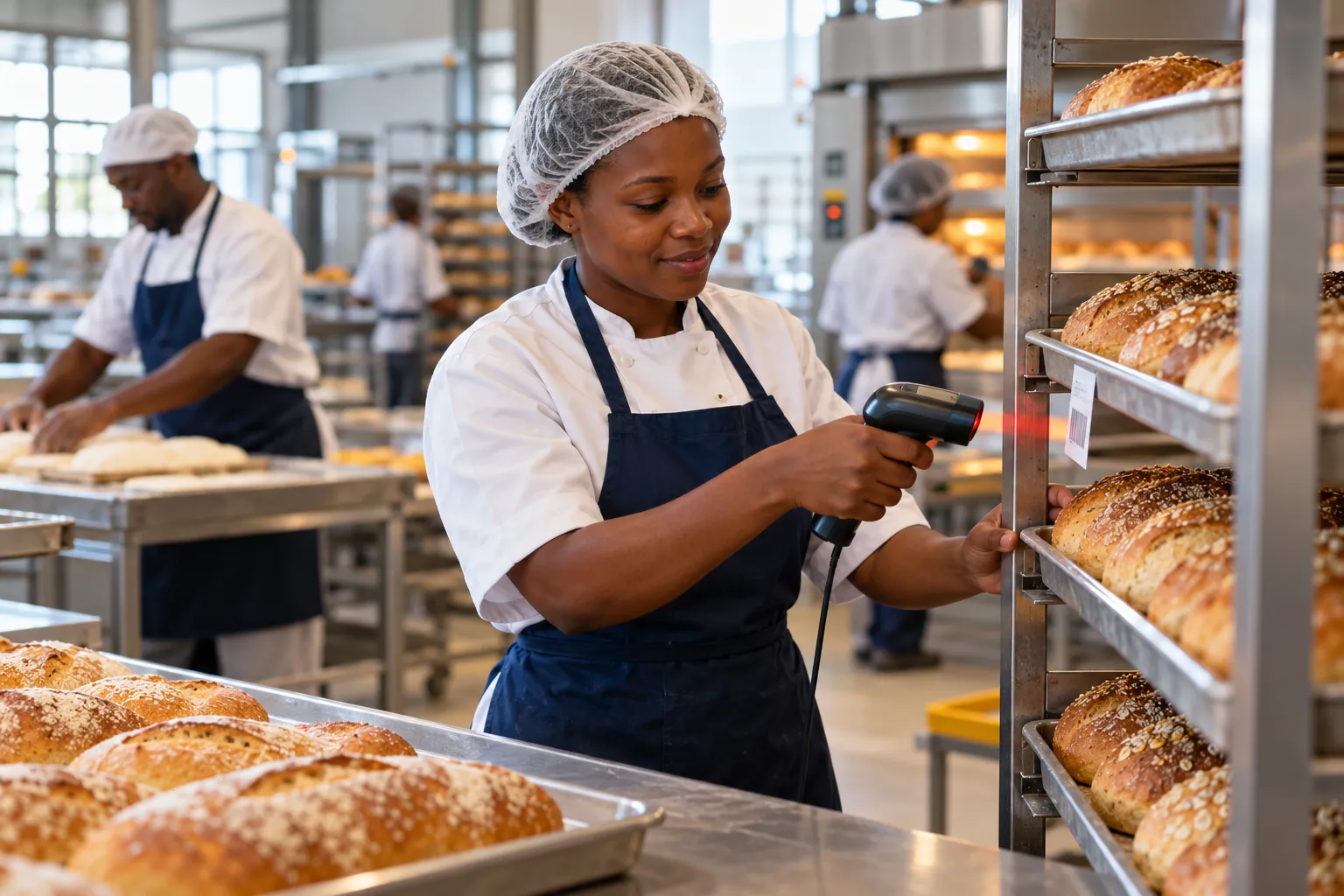
StockFlow 365 scans GS1-128 labels so lot and expiry are captured at the dock, and expired stock is refused.
Production
MESFlow 365 records the materials an operator used against each operation.
Quality holds
Lots can be held, released or blocked, with the status visible to picking.
Evidence
The trace, the checks and the approvals are on record for an auditor.
Running a mock recall
Run the exercise on a real finished lot, with a stopwatch. Pick a lot, then trace it backwards to every ingredient lot and forwards to every customer. Compare the quantities: what was made, what was shipped, what is still on hand. Record the time and the gaps, fix the gaps, and repeat each quarter.
Dynamics 365 holds the records that support HACCP and customer audits. Certification itself belongs to your food safety management system.
Where to go next
To see this against your own recipes, warehouses and routes, book a FoodBeverageFlow 365 consultation, or read the FoodBeverageFlow 365 product page. See also ManufacturingFlow 365 and StockFlow 365.
Frequently asked questions
Can Dynamics 365 trace a lot forwards and backwards?
Yes. Business Central tracks lot numbers through purchasing, production, inventory and sales. ManufacturingFlow 365 adds lot genealogy in both directions and a recall workflow.
Does this make us HACCP certified?
No. Certification belongs to your food safety management system. Dynamics 365 holds the quality checks, lot records and approvals that support the audit.